this post was submitted on 17 Dec 2025
689 points (99.3% liked)
memes
18478 readers
3563 users here now
Community rules
1. Be civil
No trolling, bigotry or other insulting / annoying behaviour
2. No politics
This is non-politics community. For political memes please go to !politicalmemes@lemmy.world
3. No recent reposts
Check for reposts when posting a meme, you can only repost after 1 month
4. No bots
No bots without the express approval of the mods or the admins
5. No Spam/Ads/AI Slop
No advertisements or spam. This is an instance rule and the only way to live. We also consider AI slop to be spam in this community and is subject to removal.
A collection of some classic Lemmy memes for your enjoyment
Sister communities
- !tenforward@lemmy.world : Star Trek memes, chat and shitposts
- !lemmyshitpost@lemmy.world : Lemmy Shitposts, anything and everything goes.
- !linuxmemes@lemmy.world : Linux themed memes
- !comicstrips@lemmy.world : for those who love comic stories.
founded 2 years ago
MODERATORS
you are viewing a single comment's thread
view the rest of the comments
view the rest of the comments
First of all, take my upvote because the meme is funny and I'm definitely the old guys at the bottom.
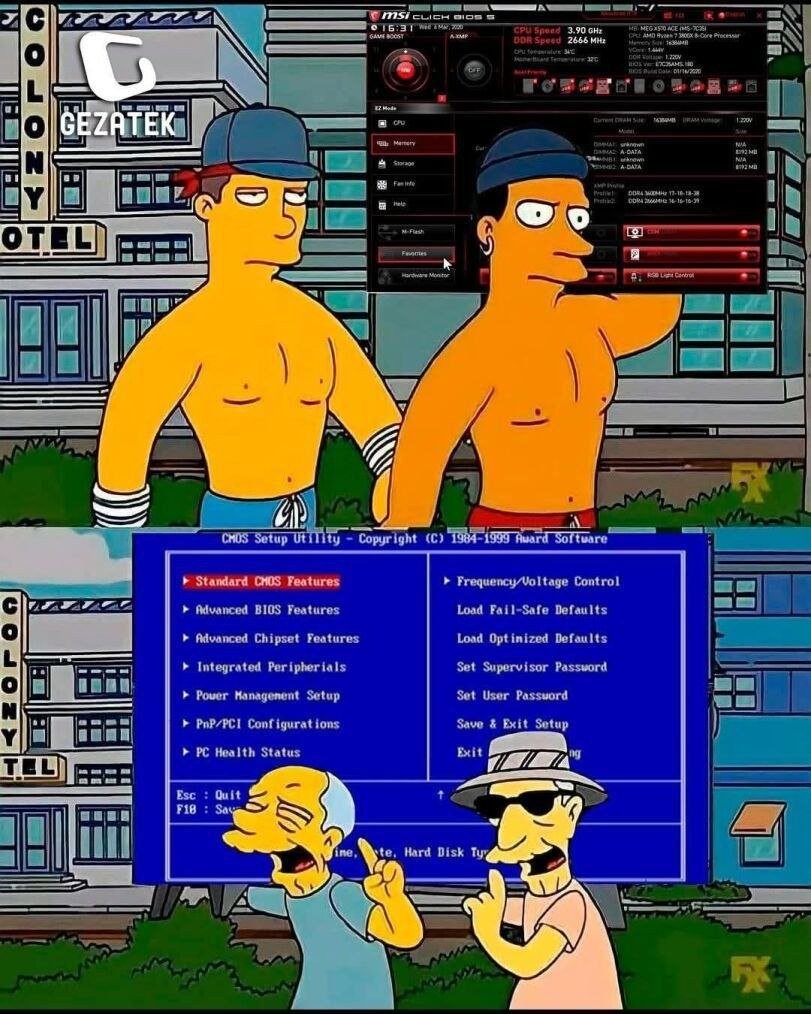
As for modern UEFI config utilities, they are, IMO, a huge step backwards in usability. Yeah, modern UEFI configuration utilities look flashy and provide more context / capabilities / help info, but most are a nightmare to actually use and practically force you to use a mouse.
Which would be....fine, I guess, if all mice were treated equally or consistently. Most don't respond to the scroll wheel, so you're dragging the scroll bar like a neanderthal. Some mice work fine, others will only move the cursor around a small area of the screen, some only move in the Y axis, some only in the X axis, some mice move the cursor at a glacial pace, others zoom it at something approaching light speed and basically just teleport the cursor from one edge of the screen to the other. And a mouse that works fine to configure a Dell may or may not work fine with an HP or even a different Dell. It's just an obnoxious crapshoot that shouldn't exist when we have standardized HID specs for input devices like mice.
Even on laptops, the UEFI config is often a PITA to use with the built-in pointing device(s). e.g. My ThinkPads treat the touchpad and trackpoint very differently, and neither is comfortable to use, just differently awkward.
Using the keyboard is also annoying since it's similar to navigating in a regular GUI and having to tab through every checkbox to get to the next settings section. And (at least) Dell UEFI designers freaking love their massive arrays of checkboxes.
To wrap up my "old man yells at cloud" diatribe, I've always appreciated function over form and generally prefer a good TUI to a flashy GUI.
I own a repair shop so I’m sure my perspective comes from spending an unusual amount of time in UEFI/BIOS over the course of the years, but I find that they remain perfectly usable with a keyboard.
Most modern UEFI have an “advanced mode” (usually F7) that is a lot closer to traditional BIOS layout and navigability. I actually get unreasonably bothered when trainees insist on fumbling around with the mouse in “Easy Mode”
There’s so many options in modern UEFI that there are two features I’m actually incredibly grateful for:
The “Favorites” systems, so that you can have all of the settings you’ll actually change all in one place
The “Profiles” systems, so that you can easily hop between configurations
Without those, the onion meta-game of finding options that are arranged differently on AMD vs Intel or between different motherboard vendors is a rough time.
I'll have to check for that.
For work, the only thing I typically configure via the console is the iDRAC settings and do everything else from there. But in my homelab, I've got a bunch of late model Optiplex USFF PCs (rising electricity rates forced me to downsize from the PowerEdges I used to run). Configuring a recent batch of those was a complete exercise in frustration, and I don't recall seeing anything like an advanced mode listed, but TBH, I wasn't looking for it either.
In the OEM / Laptop / Prebuilt space I’m definitely seeing move of a pivot towards graphical UEFI, that ones with forced mouse navigation are currently the exception but when I come across it I hate it.
I wish it was usable with a keyboard. Mine doesn't power up until the os starts loading.
anyone knows what key is used for "advanced mode" on dells? i tried f7 but no worky
Everything I described relates mostly to motherboards for custom builds (ASUS, MSI, Gigabyte, etc)
Dell doesn’t have an “Advanced Mode” and profiles are limited to one “save as custom user settings” option.
Unless something has changed with their absolute latest models, their UEFI usually follows a “tree” layout that is super navigable with a keyboard. Arrow keys, spacebar, and the TAB key ought to get you everywhere you need to go - the latter being necessary to jump from the tree on the left over to managing the different settings on the right.
The bios I got on my laptop has effectively 0 keyboard navigability, no shortcut to search, scroll wheel does not work, sensibility is off, somehow only works properly with the touchpad and fails to work with a generic cheap usb mouse that as as far as I can tell is fully complaint to the usb spec as I have had 0 issues with it in any OS without the need for any custom drivers, tab navigation is effectively non functional, arrow key navigation is not there at all, there a "advanced mode" that I discovered with Dell's custom software that allows changing bios settings from a live OS with the use of custom WMI_ACPI extensions not documented anywhere that I can find from which I can enable a hidden advanced mode that simplies showa more options in the bios but doesnt overhaul the navigation, it shows very advanced options that surely shouldnt just be shown by default such as battery charge limmit, battery start charging threshhold, and many other misceleanous settings that have no reason to be labelled as "advanced"
Give me a TUI that does not burn my eyes (i am looking at you guys who make blue TUIs!) and i am good.
UEFI/BIOS should NOT have a GUI, as it must function properly in every possible situation, and simplicity is the key.
Though mouse support is nice (support not forcing)
Yea it's almost as if not supporting mice in the BIOS was a decision as much as it was a limitation
Way less usable.
Needs a toggle to show old-school/new-fruit.
Wait until you see next years model, Touch Screen Only BIOS. And as an added bonus, you will need a 4k monitor to see the selections that are so small you will need tiny rat like fingers to work.